Product · UI · UX essentials

The toolbox every designer deserves.

A growing collection of simple, powerful tools for designers and digital creators.

Start free Explore the tools
Contrast Checker Image Compressor Color Palette Token Converter Lorem Ipsum Generator Typing Trainer
The toolkit

A tool for every step of the craft.

Select a tool to see it up close — then jump in when you are ready.

Aa#FF8A3D
Aa#0B0908
4.5:1AA

Contrast Checker

Check the contrast ratio between two colors against WCAG guidelines.

How it works
  1. Pick two colors
  2. See the ratio instantly
  3. Pass or fix against WCAG
Try it
🖼️
hero-banner.png2.4 MB → 480 KB
−80%
✓ Compressed

Image Compressor

Compress PNG and JPG images without visible quality loss.

How it works
  1. Drop in a PNG or JPG
  2. Watch the size shrink
  3. Download the lighter file
Try it
#FFB454 #FF7A3D #FF4D6D #8A5CF5 #0B0908

Color Palette

Generate full palettes from a description or a base color — with tints, shades, and harmonies.

How it works
  1. Start from a color or mood
  2. Generate tints and shades
  3. Copy the palette anywhere
Try it
{"primary": "#FF8A3D"}
→
--primary: #FF8A3D;

Token Converter

Convert design tokens between CSS variables, JSON, and SCSS.

How it works
  1. Paste your tokens
  2. Choose the target format
  3. Export clean, ready-to-use code
Try it
📝 Copy

Lorem Ipsum Generator

Generate placeholder text by word count or paragraph count.

How it works
  1. Choose words or paragraphs
  2. Generate placeholder text
  3. Copy it to your clipboard
Try it
thex_
64 WPM 97% 🔥 7

Typing Trainer

Improve your typing speed through interactive lessons.

How it works
  1. Start a lesson
  2. Type along with live feedback
  3. Earn XP and keep your streak
Try it
Why Offset Studio

Built for the way designers actually work.

⚡

Fast by design

Tools run instantly in your browser. No uploads to a server, no waiting.

🎯

One job, done well

Each tool is laser-focused on a single task — no feature creep.

🔒

Private by default

Your work stays on your device. We don't store or share what you create.

How it works

From idea to shipped in three steps.

1

Pick a tool

A focused set of utilities — no clutter, no hunting.

2

Do the work

Everything runs instantly in your browser.

3

Ship it

Copy the result and get back to building.

4
Focused tools
100%
Free to use
0
Uploads stored
From the blog

Latest writing

Practical guides and ideas for designers.

The Empty State Is Not an Afterthought
Sep 23, 2026 · 6 min read

The Empty State Is Not an Afterthought

Empty states are not blank space to fill. They are the first real conversation your product has with a new user, and most teams treat them like an afterthought.

Read more →
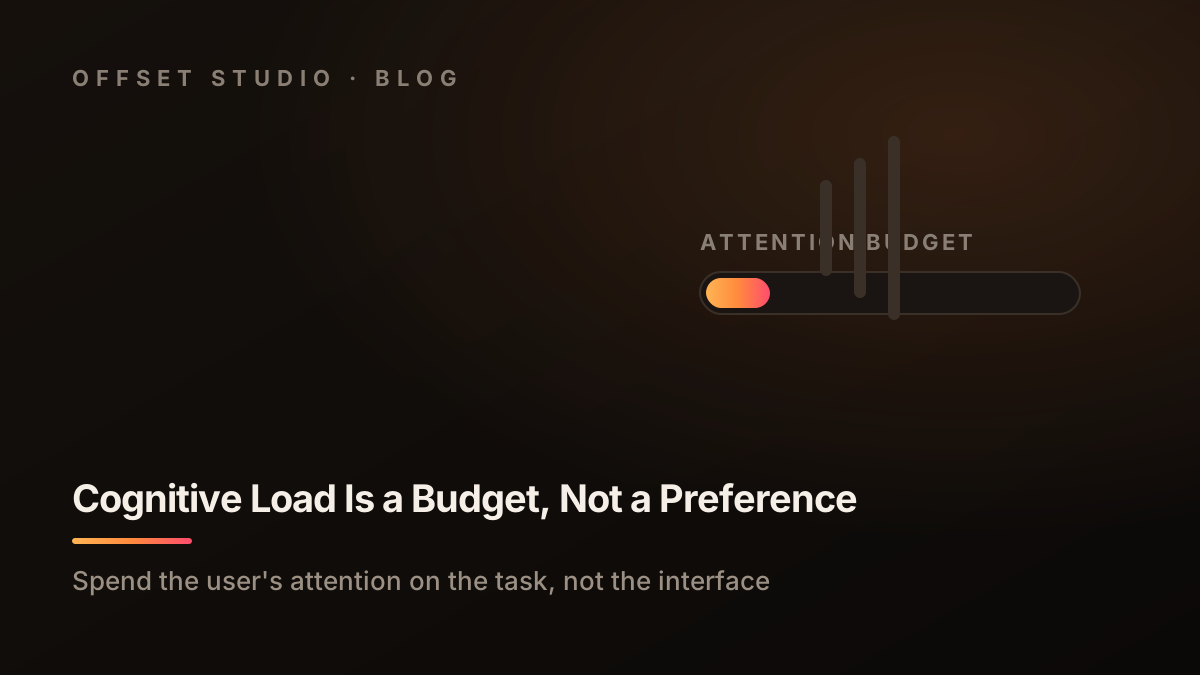
Cognitive Load Is a Budget, Not a Preference
Sep 22, 2026 · 6 min read

Cognitive Load Is a Budget, Not a Preference

Every screen draws on a user's finite attention. Treat cognitive load as a budget to allocate, not a quality to polish, and design for the task instead of the interface.

Read more →
Typography & spacing: the rhythm behind great interfaces
Sep 22, 2026 · 2 min read

Typography & spacing: the rhythm behind great interfaces

A type scale and a spacing system turn a messy layout into something that feels intentional — here is how to build both.

Read more →
View all posts

Ready to ship better designs?

Start free
Contact

Let's talk.

Questions, feedback, or a tool you wish existed? Drop us a line — we read everything.

✦ 0